
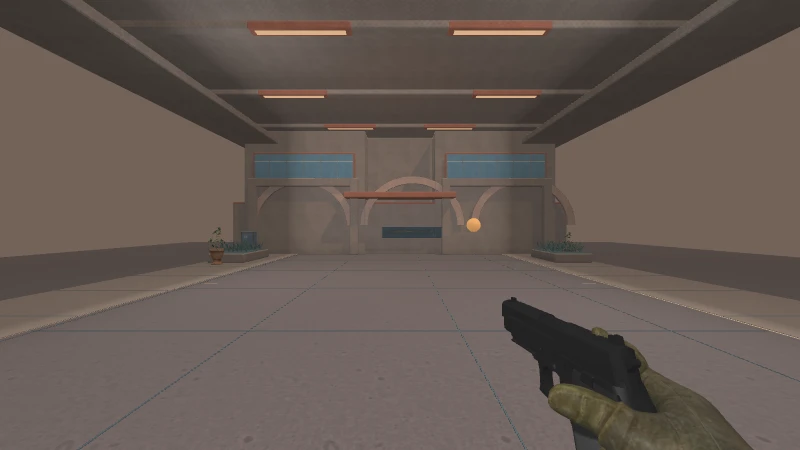
Run the Drill
- Follow the direction cue with A or D.
- Release the key and keep your crosshair on the orb.
- Fire one shot when the cue reads Settled. Start slowly enough to feel the difference between releasing and firing.
Find the Shot You Took Too Early
In the result, look for Early Shots. Use the replay and the marked shot to check where your crosshair was and when you released the movement key.
Repeat With One Change
Keep your sensitivity and round length the same. In the next round, wait for Settled before each click. Compare early shots alongside accuracy and total shots so that firing fewer times does not hide the result.
Strafe & Settle runs on a desktop browser with a mouse and keyboard. The timing cue and results come from the Flicknivo drill.